Features

Discover how to plan, perform, and document your audits efficiently.

Laptop with Auditev software
Icon Engagement files

Engagement files

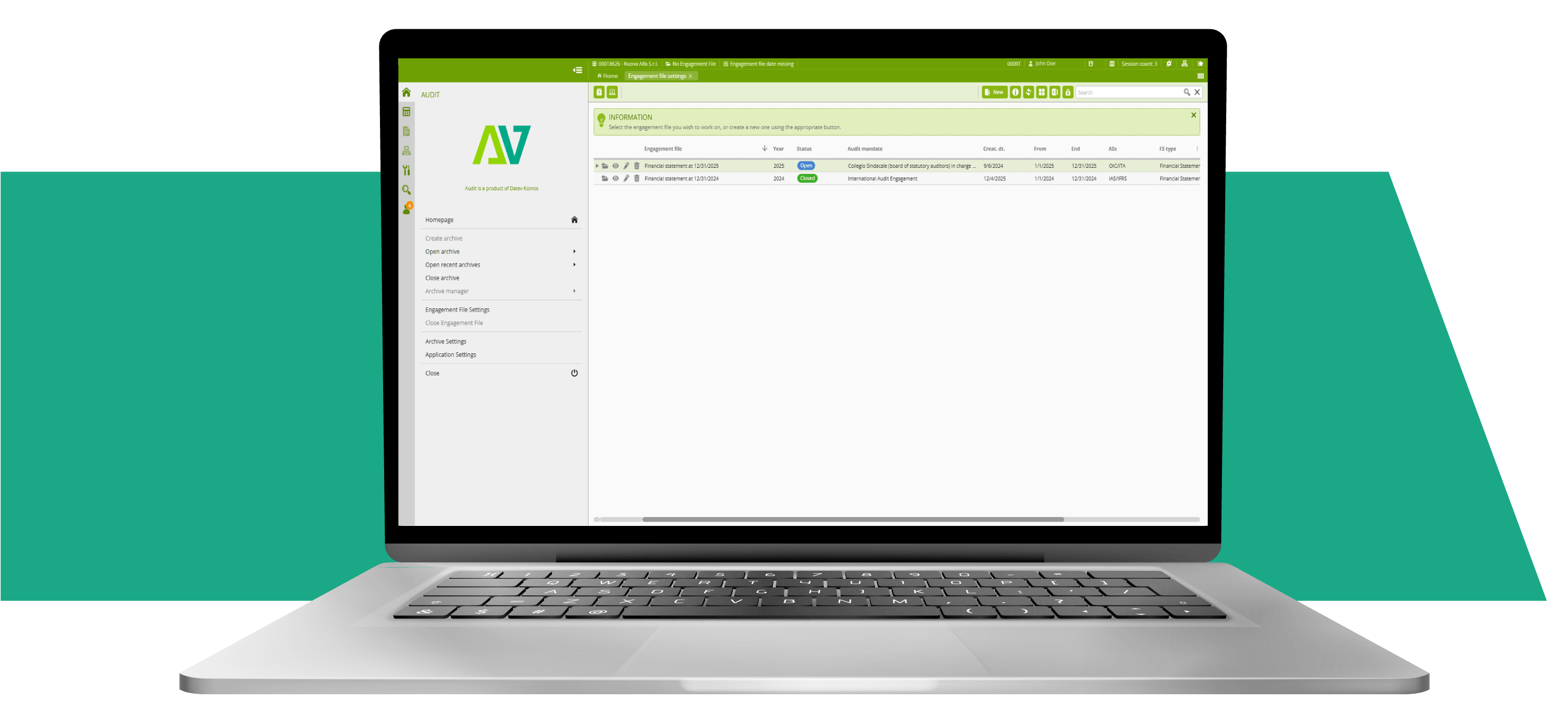
Create, organise, and maintain each audit engagement file through a guided and intuitive workflow. For recurring engagements, roll-forward functions carry forward relevant data, risk assessments, and planning decisions from the prior year into the new engagement file, saving time and reducing the risk that important information is overlooked.

Role-based, shared access allows the engagement team to work on the same file in a controlled way, avoiding unnecessary duplication and inconsistencies and supporting effective supervision and review of the work performed.

Icon Optimizer

Optimizer

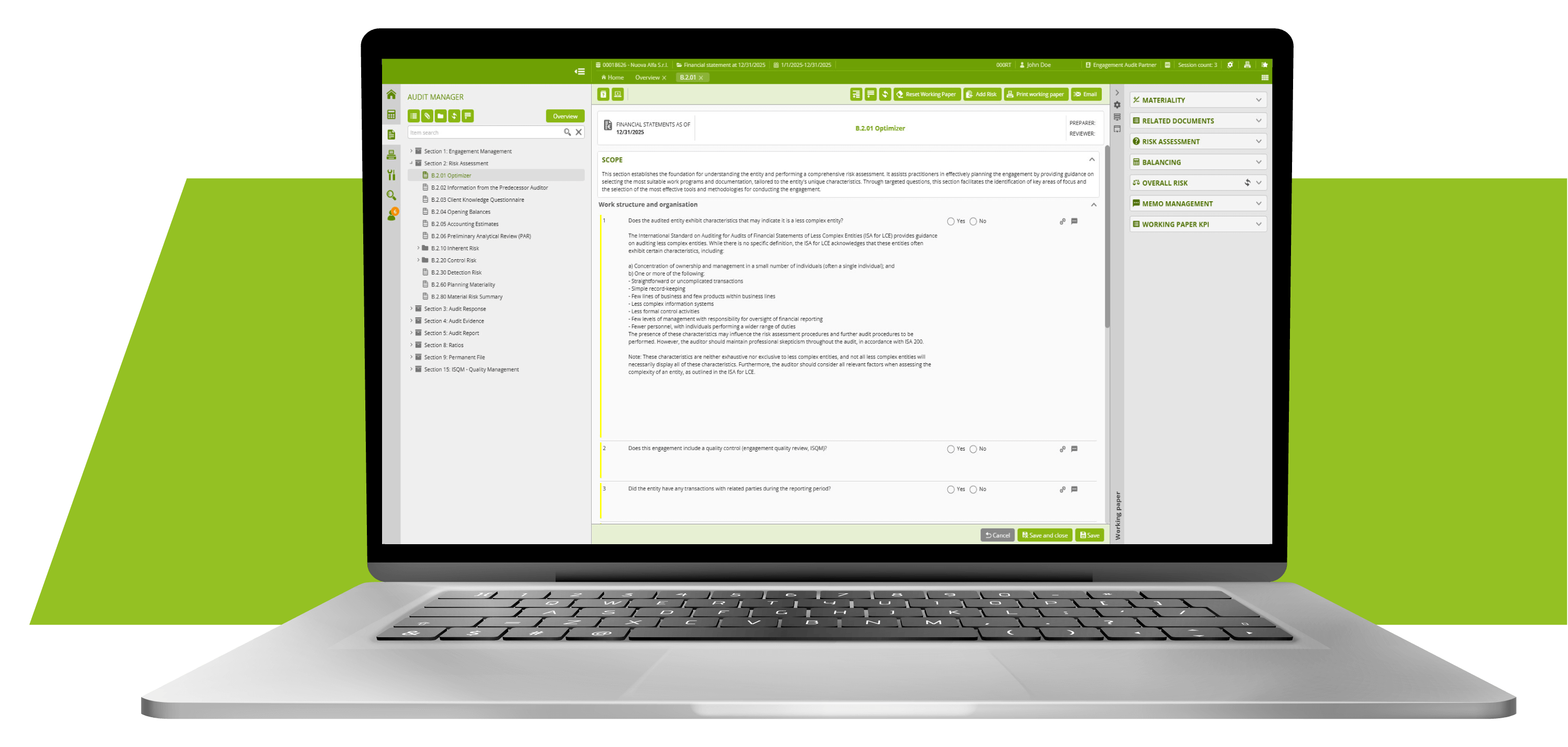
The Optimizer helps you tailor the audit workflow to the characteristics and risk profile of each engagement.

Based on the answers you provide in key planning and risk assessment working papers, the software suggests the most relevant working papers and procedures, deactivating those that are not applicable. This supports an efficient, proportionate audit approach while maintaining appropriate coverage of identified risks of material misstatement.

Laptop with Auditev software
Icon Risk Assessment

Risk Assessment

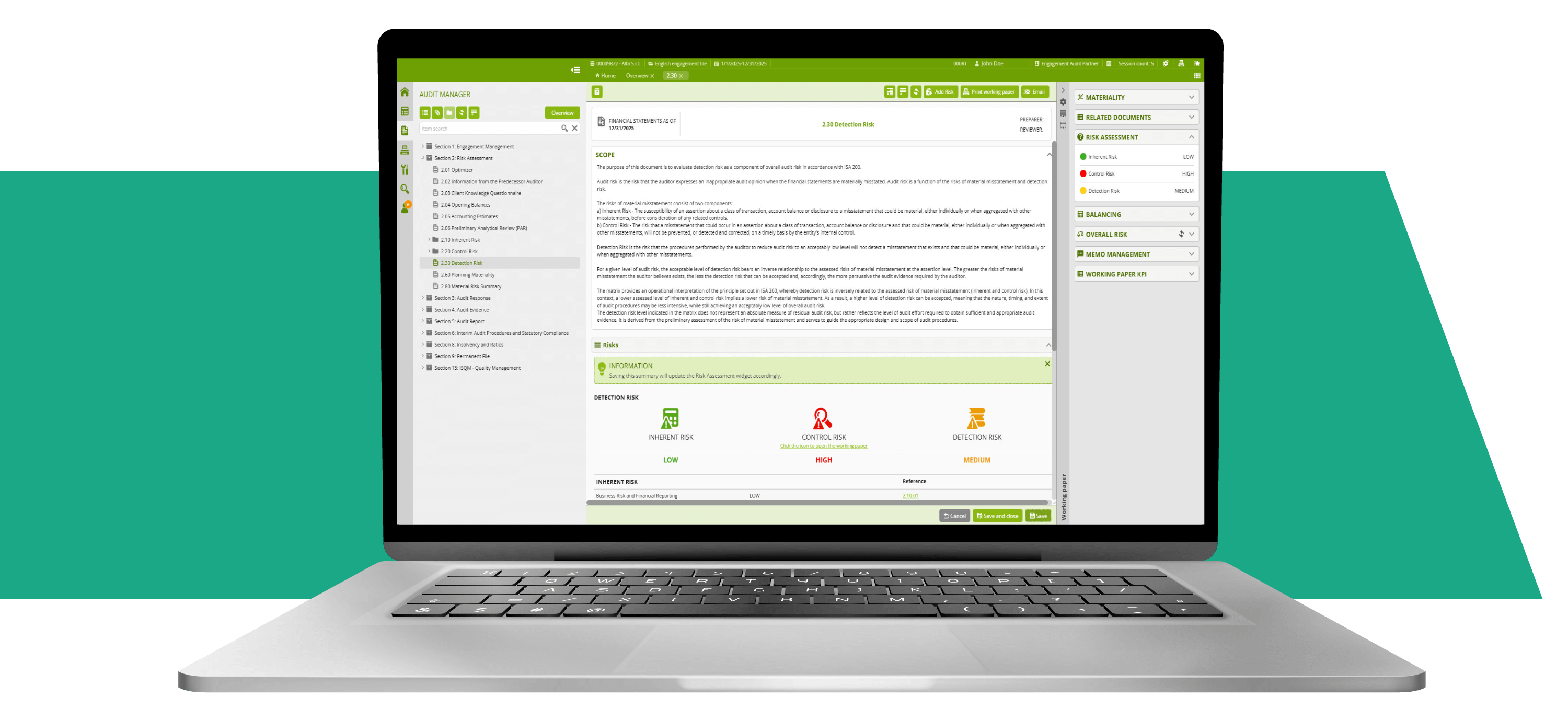
Dedicated working papers, checklists, and analytical tools support you in:

  • understanding the entity and its environment, including the applicable financial reporting framework;
  • evaluating the design and implementation of relevant aspects of the internal control system;
  • identifying and assessing the risks of material misstatement at the financial statement and assertion levels (inherent risk, control risk, and detection risk);
  • determining materiality and performance materiality on the basis of quantitative and qualitative factors you define.

A library of common risk factors can be adapted to the specific characteristics of each engagement and linked to the relevant financial statement areas and audit procedures, supporting a robust risk-based approach.

Icon Audit Plan

Audit planning and strategy

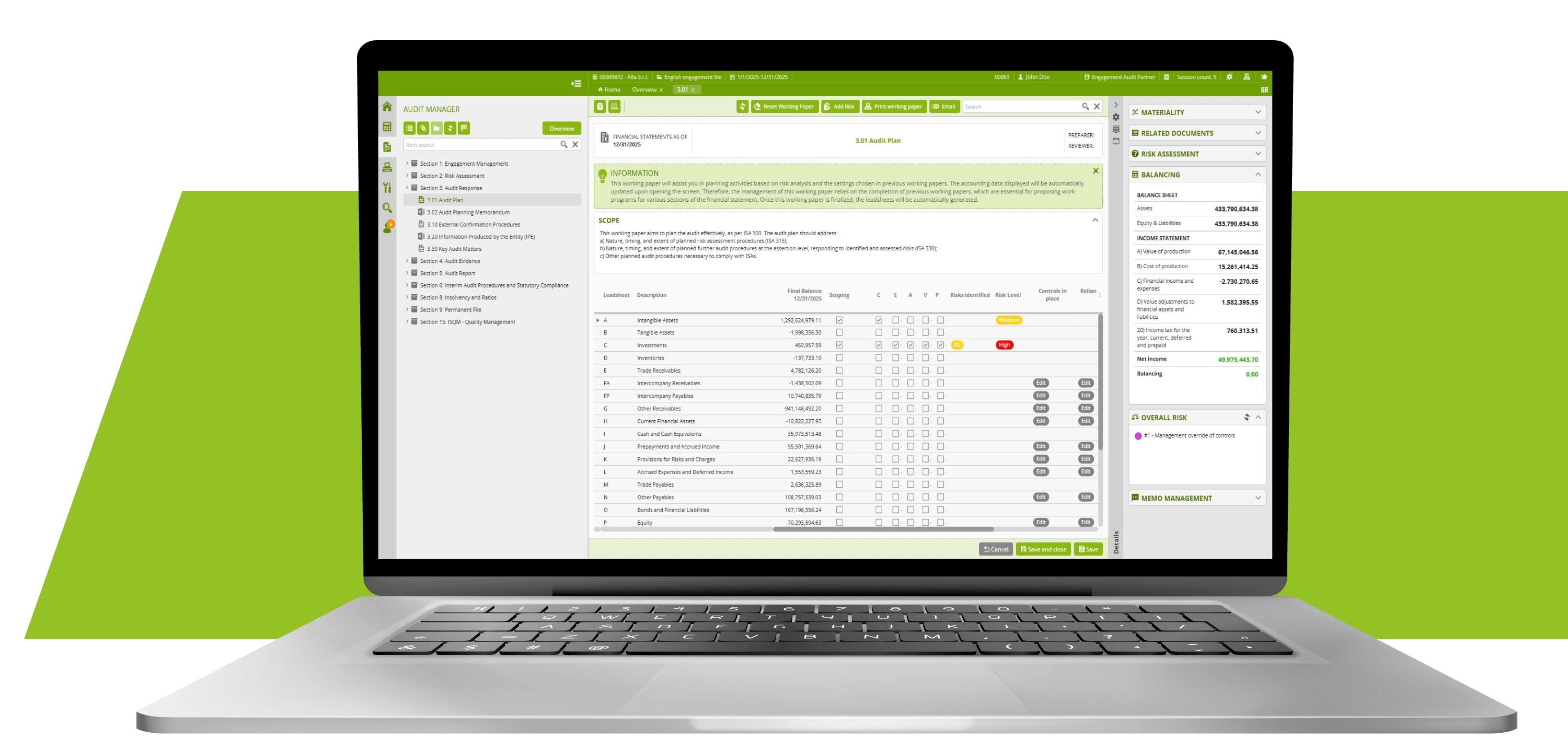
Auditev streamlines audit planning by linking the assessed risks of material misstatement to the nature, timing, and extent of further audit procedures.

The audit planning tools allow you to:

  • identify significant financial statement areas based on materiality and the risks identified;
  • summarise and document the assessed risks for each area;
  • define the planned reliance on controls and the extent of substantive procedures;
  • develop the overall audit strategy and detailed audit plan;
  • generate lead schedules and audit programmes to guide the execution phase.
Laptop with Auditev software
Icon working papers

Working papers and execution

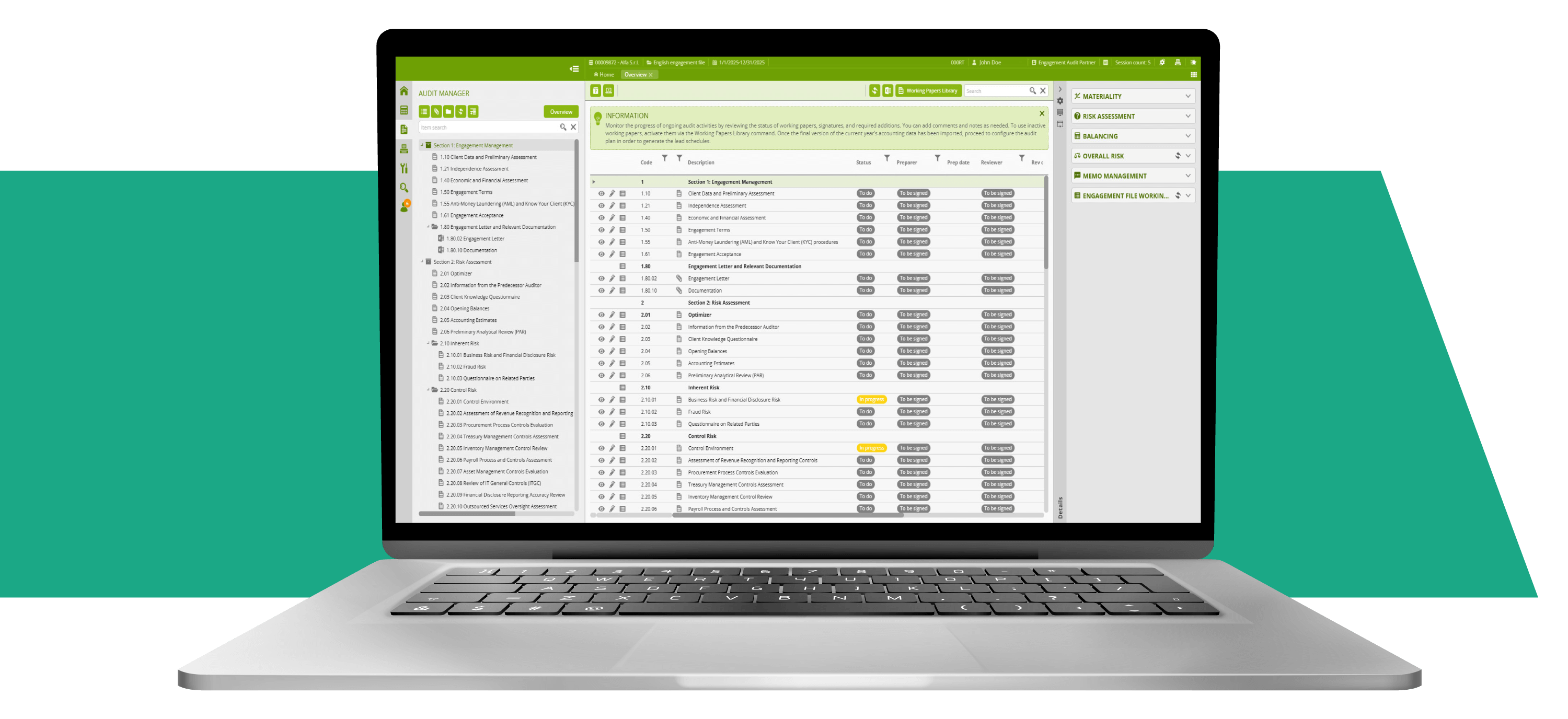
Working papers guide you through all phases of the audit and support complete audit documentation:

  • Engagement management: preliminary activities, client and engagement acceptance and continuance, engagement terms, planning of time and resources, and budgeting;
  • Responses to assessed risks: design and performance of tests of controls and substantive procedures, including analytical procedures and tests of details;
  • Tracking of findings: identification and evaluation of misstatements, control deficiencies, and indicators of going concern or financial distress;
  • Conclusions and reporting: final analytical review, evaluation of misstatements (individually and in aggregate), written representations, and preparation of the draft auditor’s report;
  • Completion and archiving: engagement completion procedures and archiving of audit documentation in line with retention and confidentiality requirements.

Cross-references between working papers and automatic links to underlying data help maintain a clear audit trail between procedures performed, evidence obtained, and conclusions reached.

Other features

Icon Memo and cross reference

Memo and cross reference

Within the working papers, you can add memos and review notes linked to specific procedures or balances, and view them in a dedicated panel. This enables clear, contextual communication within the engagement team and supports the documentation of key professional judgements.

Cross-references between working papers create a clear audit trail from identified risks to procedures performed, evidence obtained, and conclusions reached, improving both understanding and review of the work performed.

Laptop with Auditev software

Find the perfect plan for your needs. View our software.

View versions